

Smart Copy
00:00 / 00:00
Smart Copy
In this video we introduce Smart Copy, a new feature that helps you manage multi-language content much faster and easier in Content Island.
How does it work? It's easy.
Here is an entry with the content in English.
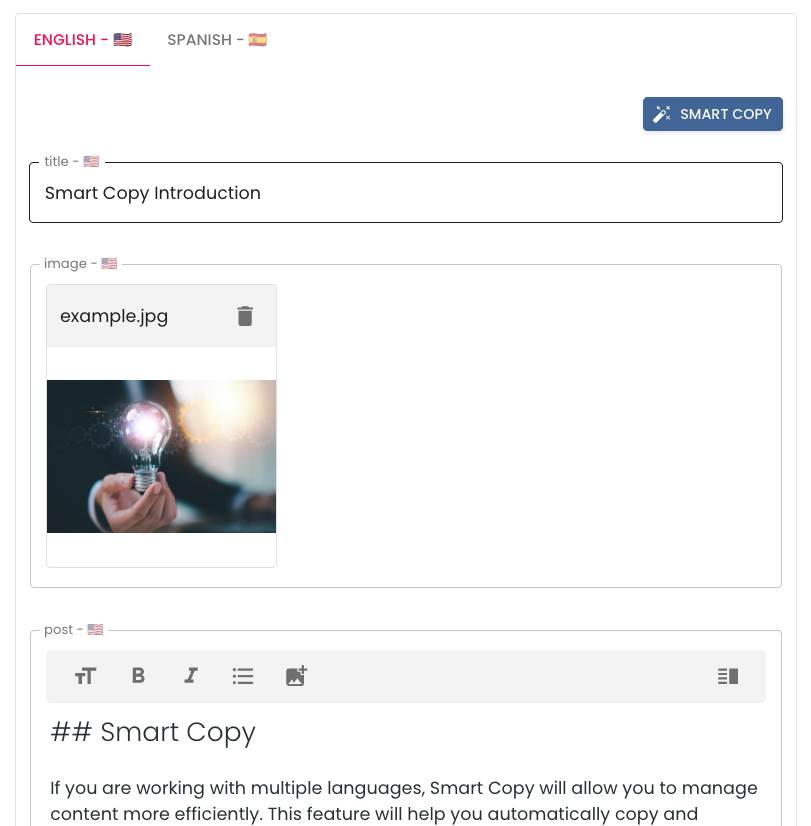
Smart Copy in action
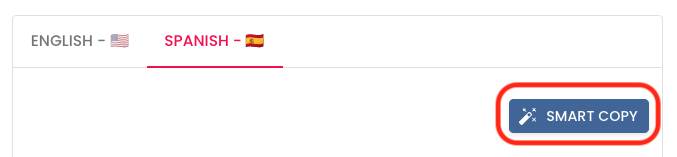
Now we switch to the English content tab and click Smart Copy.
The system asks us if we want to copy the content from the English tab and also if we want to translate it automatically.
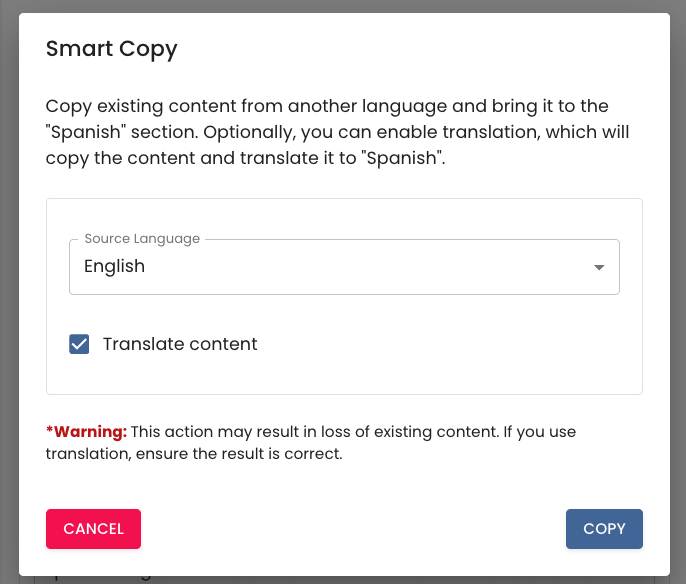
We mark it, accept... and a dialog opens showing us the progress of the translation.
In a few seconds, all the content is copied and the text fields are translated into English.
Now you only have to give it one last revision... and publish ✅.
It's that simple, that fast.
More information
Learn more about Smart Copy, en este enlace