

WebHook Tab
The Webhook tab allows us to connect Content Island with your deployment platform, enabling us to trigger a build and deploy process whenever content is published in a project. Three providers are supported: GitHub, Netlify, and Vercel.
Initial State
Initially, the tab is empty and displays an Add New Webhook button.
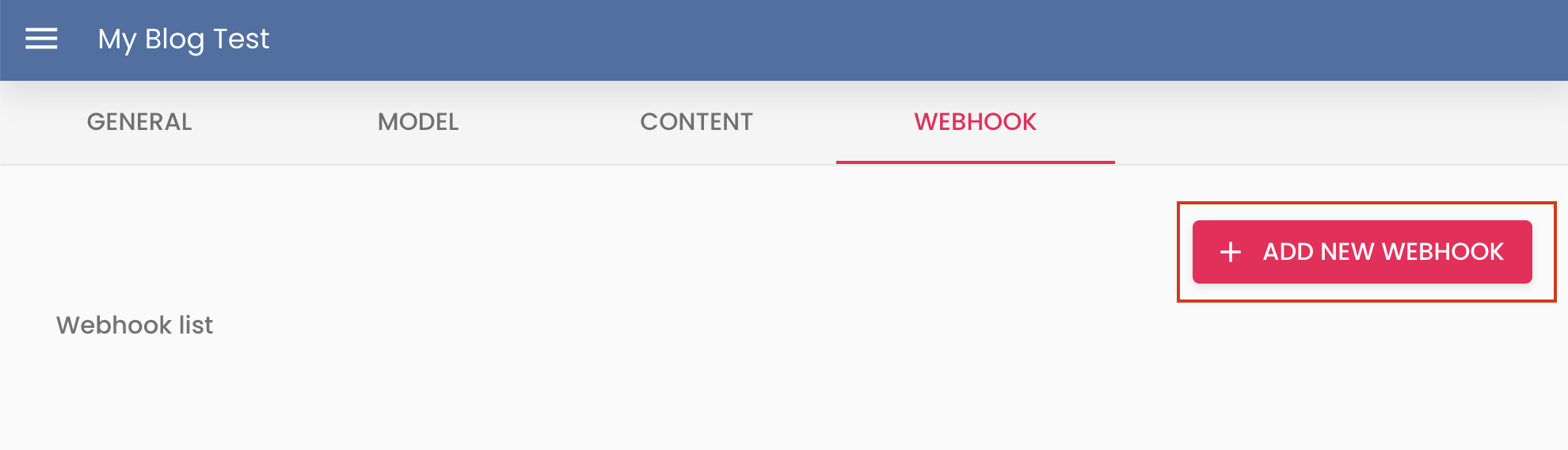
Clicking it opens a dropdown menu with the three supported providers:
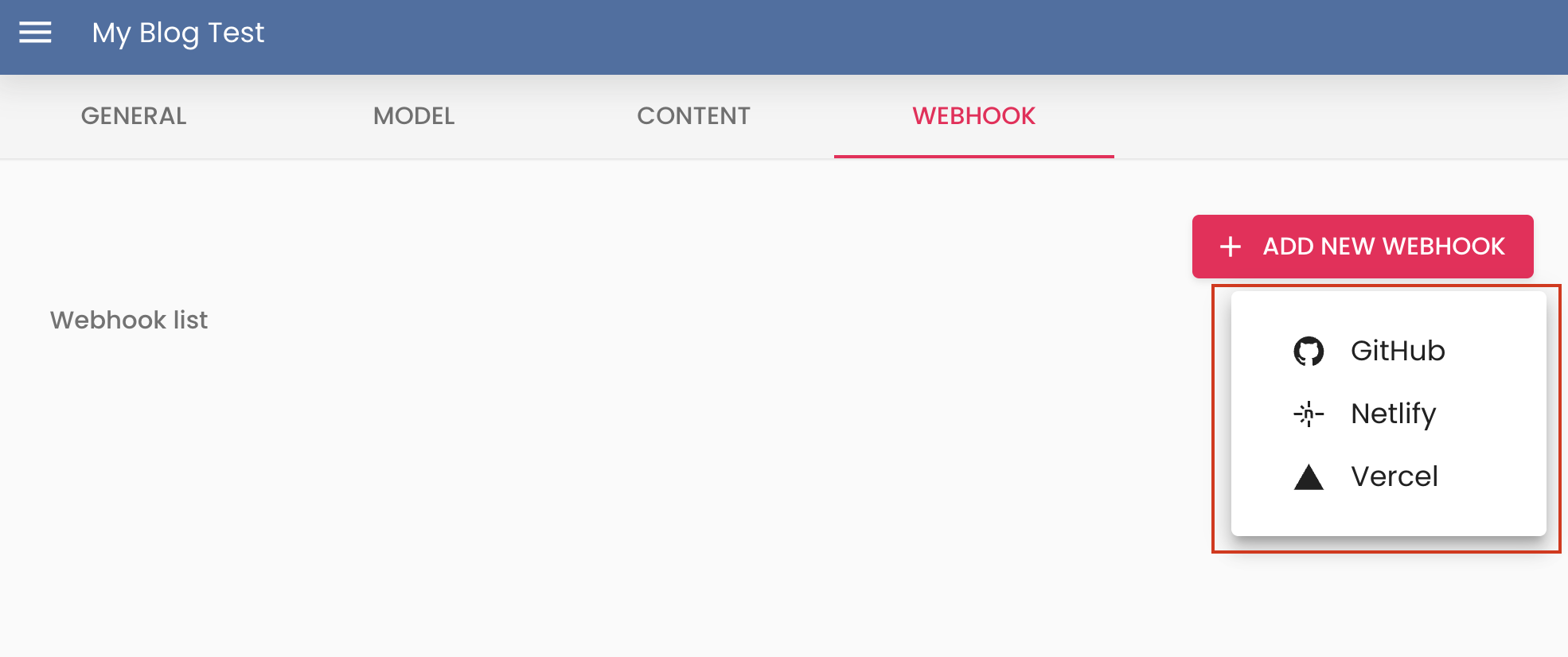
- GitHub — triggers a repository dispatch event to start a build.
- Netlify — calls a Netlify build hook URL.
- Vercel — calls a Vercel deploy hook URL.
Select the provider that matches your deployment setup to continue with its configuration.
GitHub
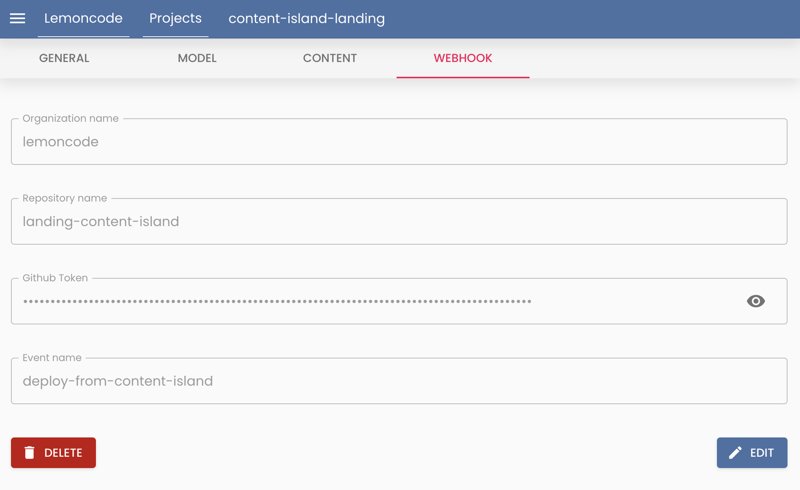
After selecting GitHub, a set of fields appears that you need to fill out:
-
Organization Name: The name of the GitHub organization to which the webhook should be sent.
-
Repository Name: The name of the GitHub repository to which the webhook should be sent.
-
GitHub Token: The GitHub token used to authenticate the webhook. This token must be created in GitHub as a personal access token. To create a personal access token, go to GitHub settings and under Developer settings, generate a new token. The token must have write permissions for the target repository.
-
Event Name: The name of the event to send with the webhook. This event is triggered when content is published in the project. For example, you could use “content-published”.
Netlify
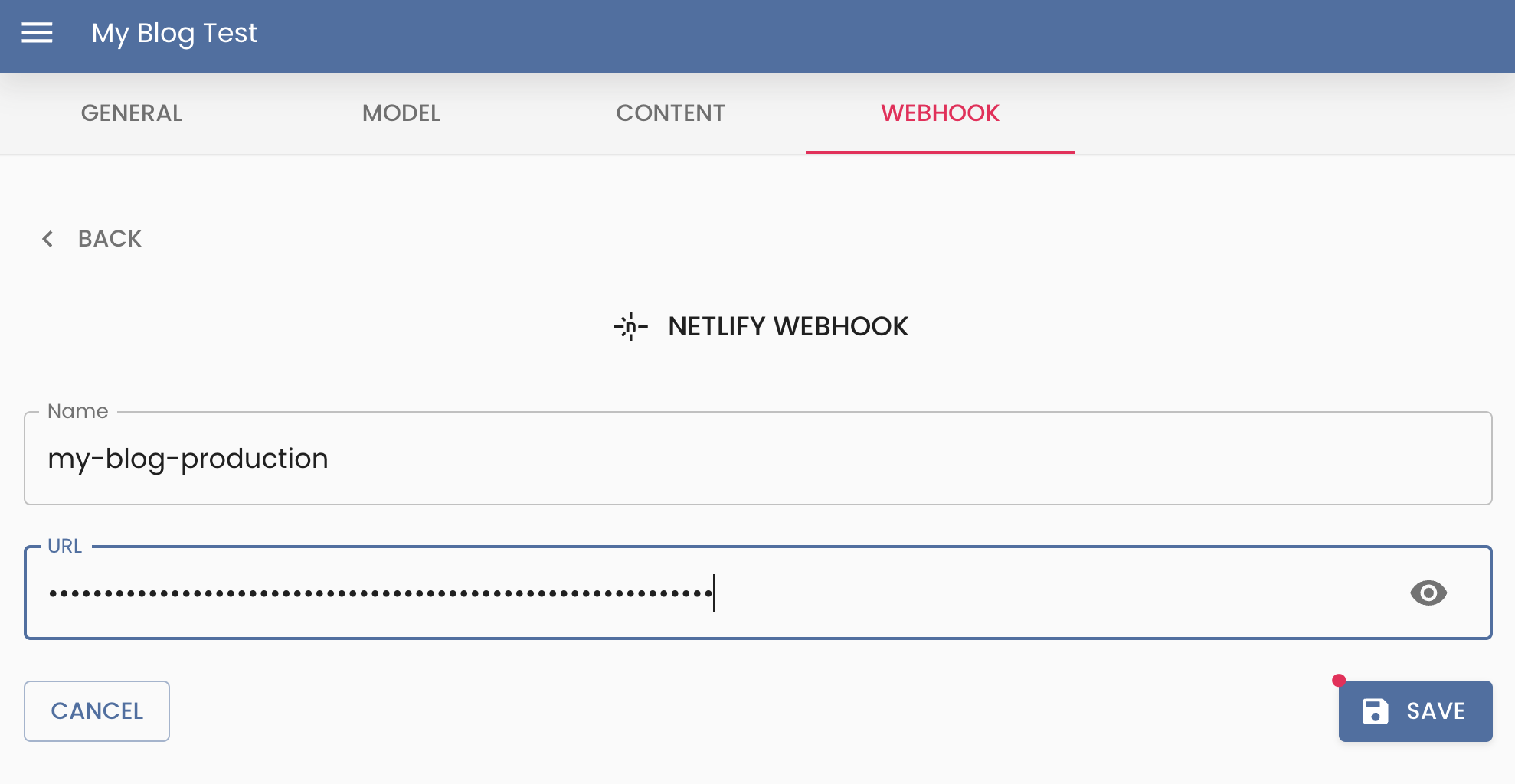
After selecting Netlify, a set of fields appears that you need to fill out:
-
Name: A descriptive label to identify this webhook within Content Island. This is a free alias and does not need to match anything in Netlify.
-
URL: The build hook URL generated by Netlify. You can find it in your Netlify site under Project configuration → Build & deploy → Build hooks → Add build hook. Treat this URL as a secret — anyone with it can trigger a deploy.
Vercel
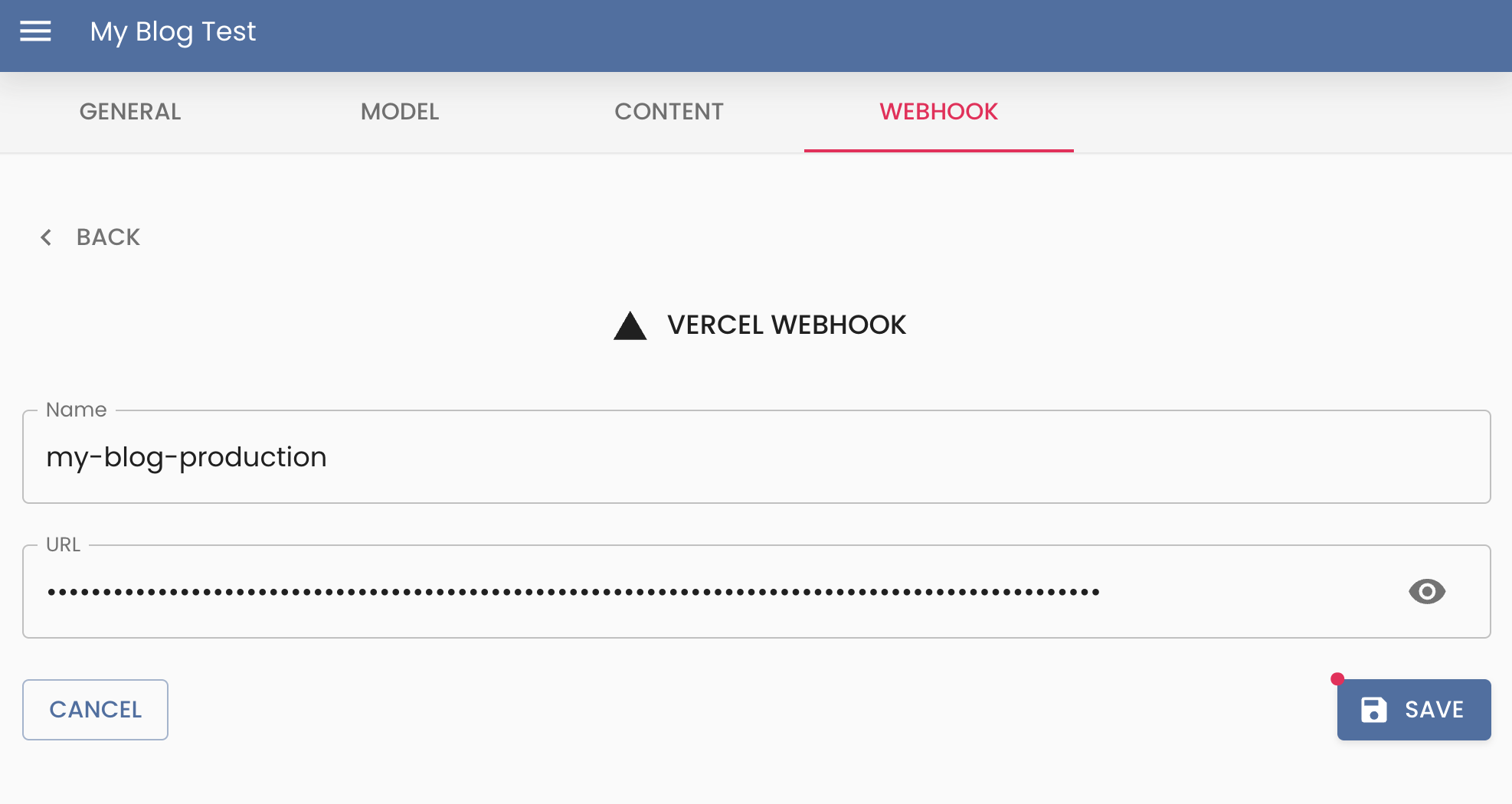
After selecting Vercel, a set of fields appears that you need to fill out:
-
Name: A descriptive label to identify this webhook within Content Island. This is a free alias and does not need to match anything in Vercel.
-
URL: The deploy hook URL generated by Vercel. You can find it in your Vercel project under Settings → Git → Deploy Hooks → Create Hook. Treat this URL as a secret — anyone with it can trigger a deploy.
Example
Example of how this works: Go to the webhook tutorial video