

Restaurant
Restaurant Template
The Restaurant template is a modern, responsive one-page restaurant website built with Astro and Tailwind CSS, with all content designed to be managed through Content Island (headless CMS).
It’s ideal for restaurants, cafés, and food businesses that want an elegant online presence — easy to keep up to date without touching any code.
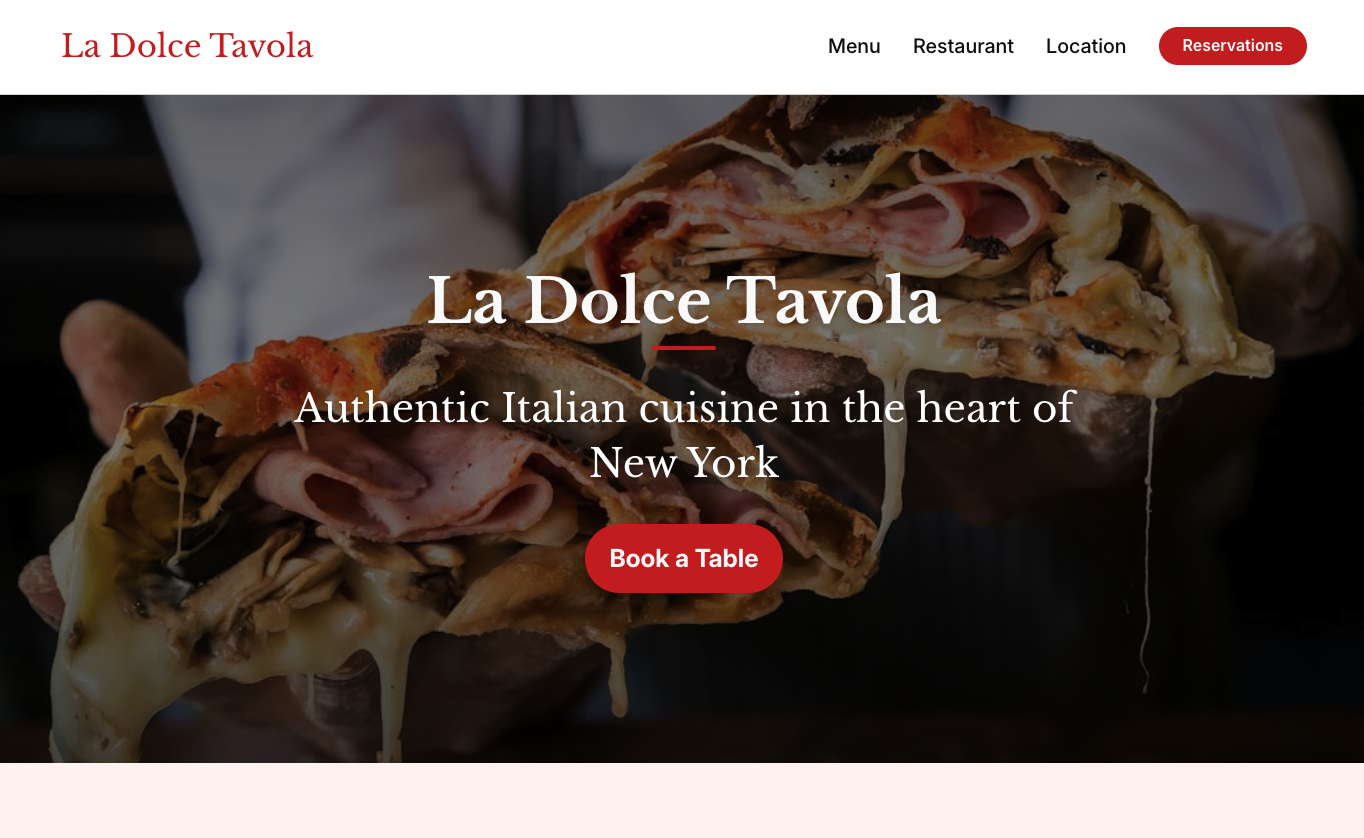
What’s Inside the Template?
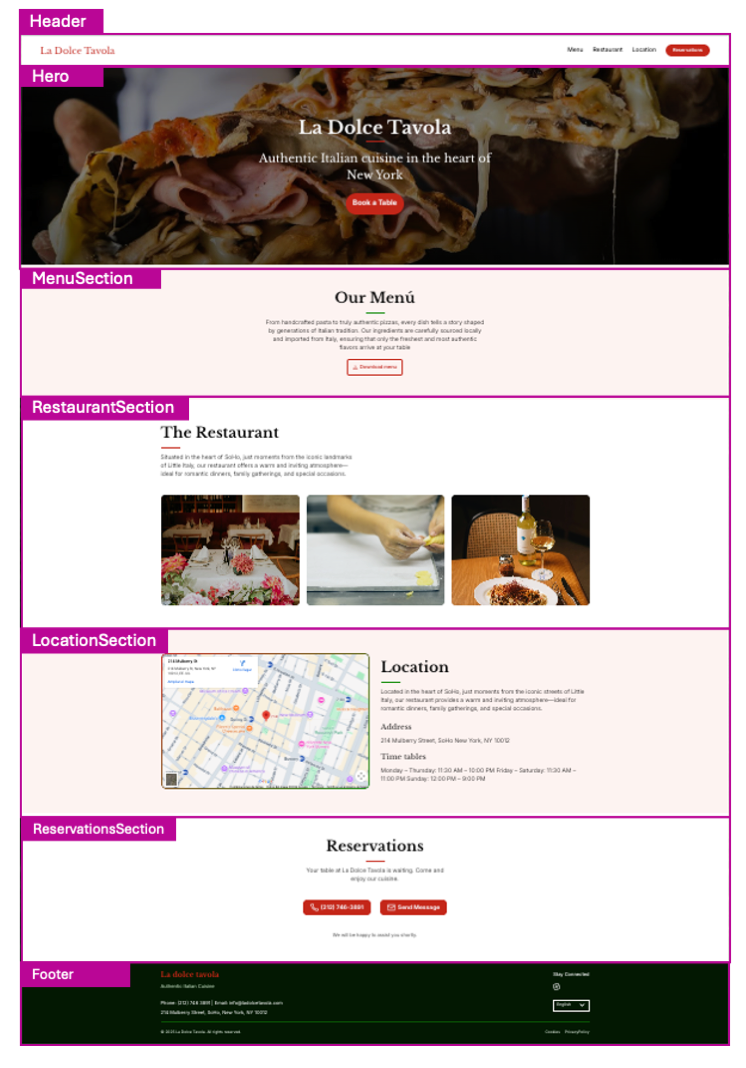
- Header: Header with restaurant logo, navigation menu (Menu, Restaurant, Location) and featured reservations button.
- Hero: Full-width hero section with background image, restaurant name, tagline (“Authentic Italian cuisine in the heart of New York”) and “Book a Table” call-to-action button.
- MenuSection: “Our Menu” section with menu description and link to download the full PDF.
- RestaurantSection: “The Restaurant” section with descriptive text and image gallery of the venue, ambiance, and dishes.
- LocationSection: “Location” section with interactive embedded map, full address and opening hours.
- ReservationsSection: “Reservations” section with options to book a table by phone or send a direct message.
- Footer: Footer with brand name, contact details (phone, email, address), social media links and legal links.
- SEO-friendly setup and modern Astro project structure.
Content Mapping Guide
Each section of the Restaurant template is directly linked to a type of content within Content Island.
Getting Started
- Create a new blank project in Content Island (Add Project).
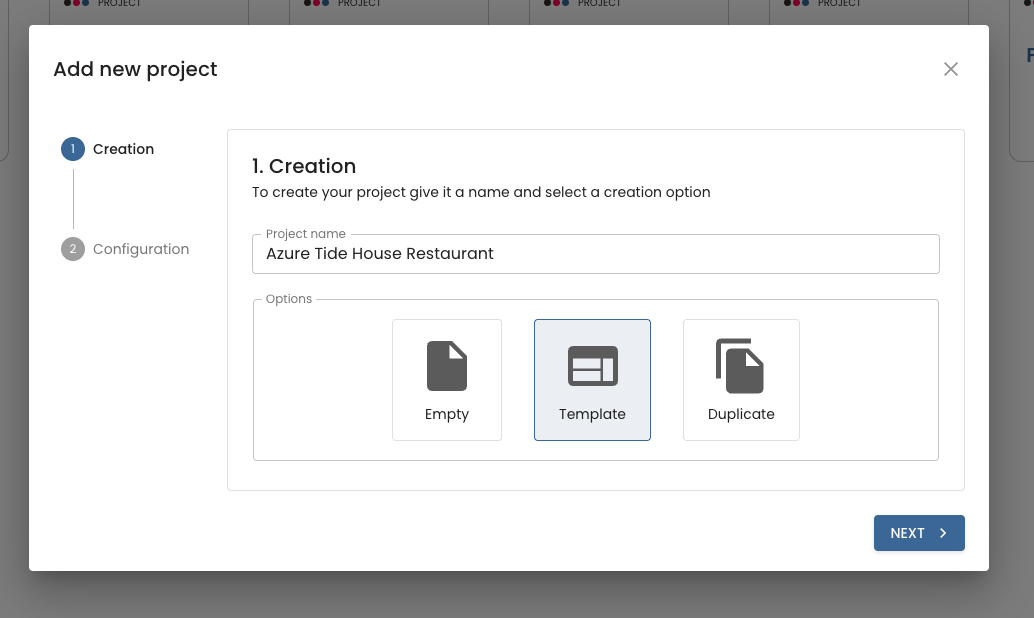
- Choose “Start from a template”.
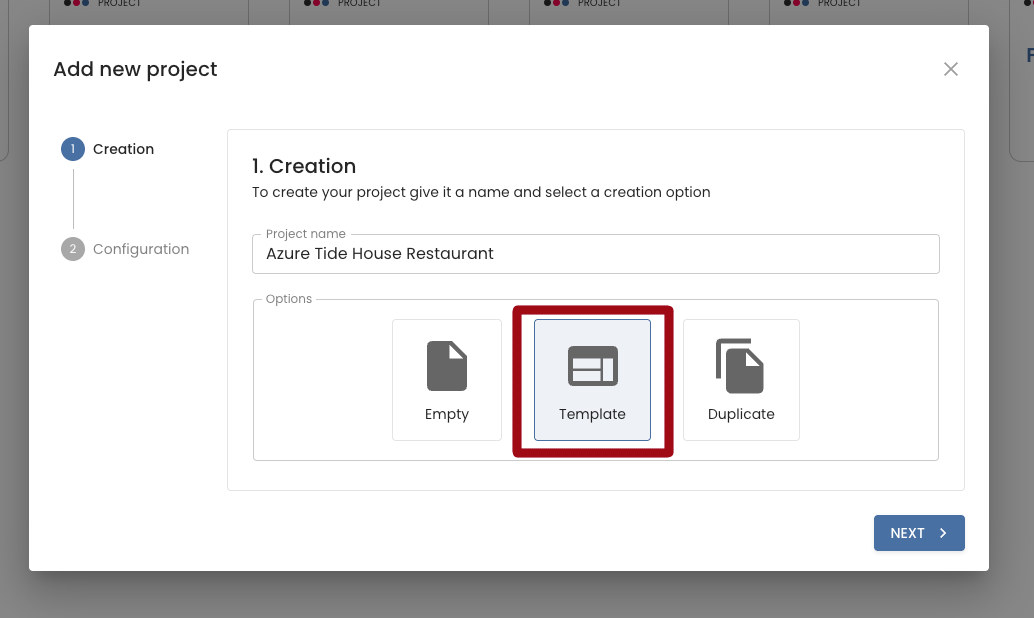
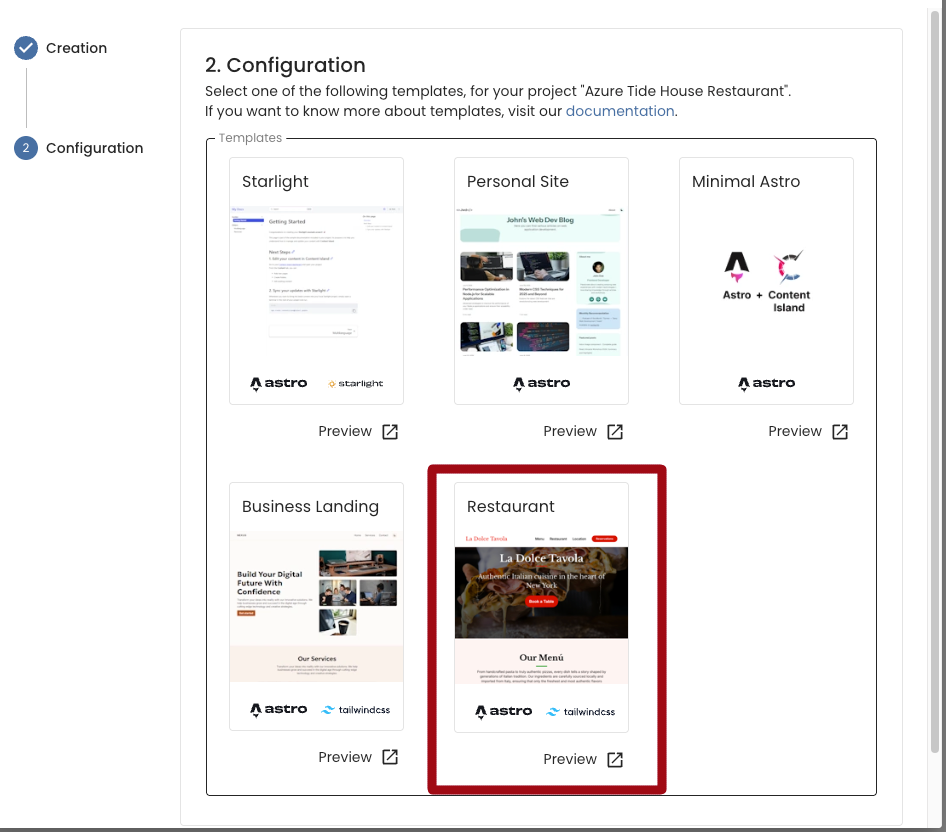
- Select the Restaurant template.
- In the final step (Quick Start), copy the CLI command provided and run it in your terminal.
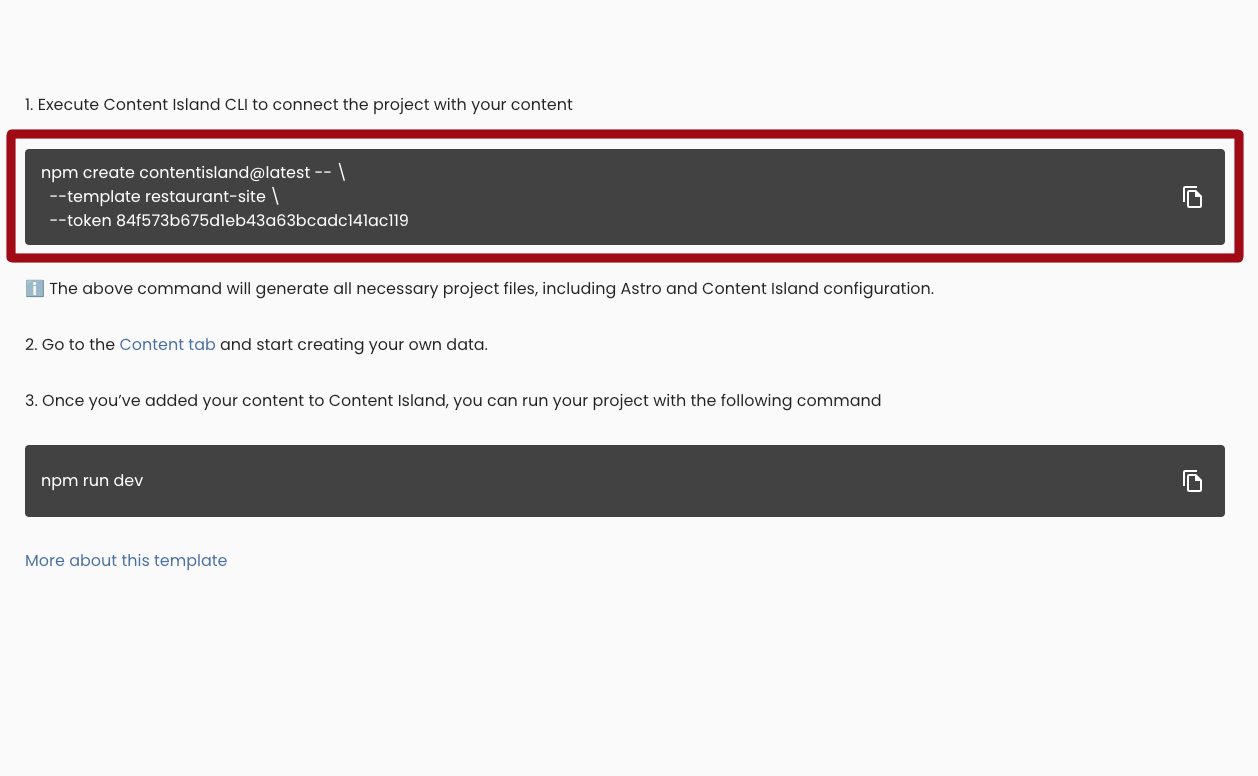
- Once created, run your local server:
npm run devTheming
The Restaurant template allows you to change the global colors and typography of the page from Content Island, without needing to touch any code.
To do this, go to the Content section and select the content item called Theme.
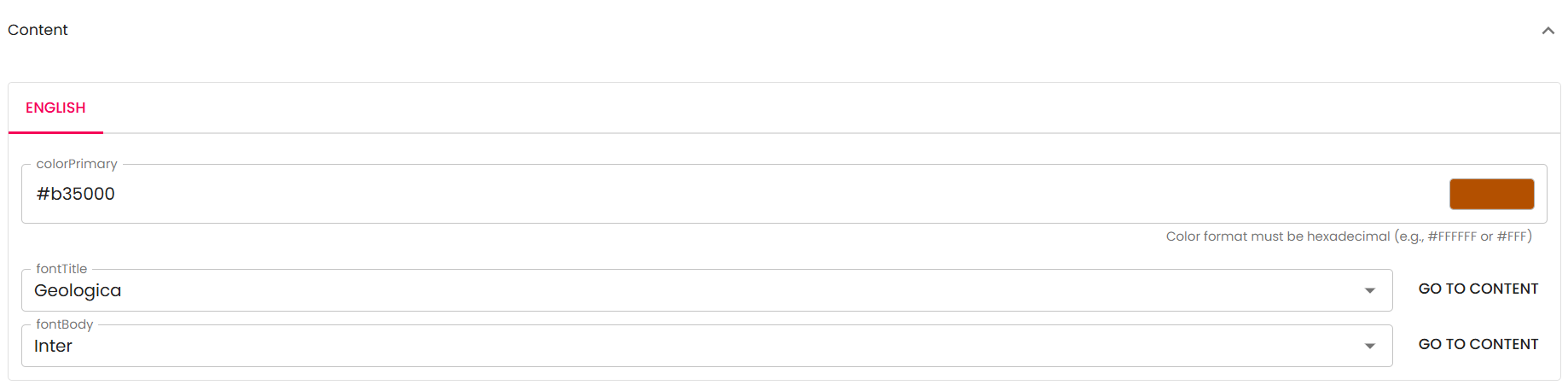
Here you can update the following fields:
- Color Primary: Main color of the page (buttons, links, accents, etc.).
- Color Secondary: Secondary color of the page (background, accents, etc.).
- Font Title: Typeface for headings.
- Font Body: Typeface for body text.