

Personal Site
Personal Site Template
The Personal Site template makes it incredibly easy to create and maintain your personal website using Astro + SSG, with all content fully managed through Content Island, your headless CMS.
You can edit page content, blog posts, and theme settings directly from the Content Island dashboard — no need to touch the codebase for day-to-day updates.

And if you want a fully automated workflow, you can configure webhooks so your site rebuilds and deploys automatically whenever new content is published (supported providers include GitHub, Vercel, and Netlify).
With a single CLI command, you can scaffold the entire project and have a working, CMS-connected personal site in minutes.
What’s Inside the Template?
- Homepage with hero, social links, featured posts, and customizable theme.
- About Me page sourced entirely from your Content Island content.
- Blog section ready for Markdown/MDX posts, with built-in code syntax highlighting and support for embedding images.
- Global theming (colors + typography) controlled from Content Island.
- SEO-friendly setup and modern Astro project structure.
- Clean, minimal UI that you can easily adapt or extend.
Video Tutorial
Here’s a complete walkthrough of how the template works, how to customize it, and how to generate your project via the CLI:
Content Mapping Guide
Each screen in the Personal Site template maps directly to a content type in Content Island.
This keeps everything predictable: whatever you edit in the CMS has a clear impact on the UI.
Below are the visual mappings for each page.
Home
Visual representation of the mapping between Content Island Home page and the Personal Site template:

About Me
Visual representation of the mapping between Content Island About page and the Personal Site template:

Getting Started
Getting your Personal Site up and running is extremely simple. Just follow these steps:
-
Create a new blank project in Content Island (
Add Project).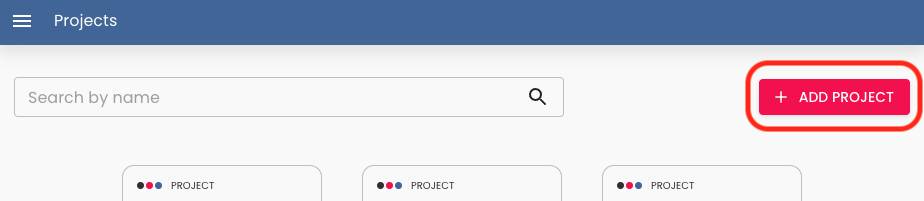
-
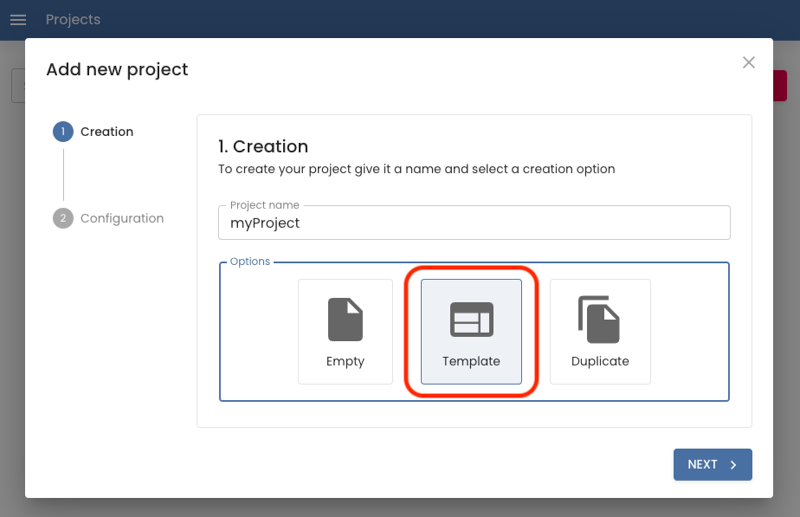
Choose “Start from a template”.
-
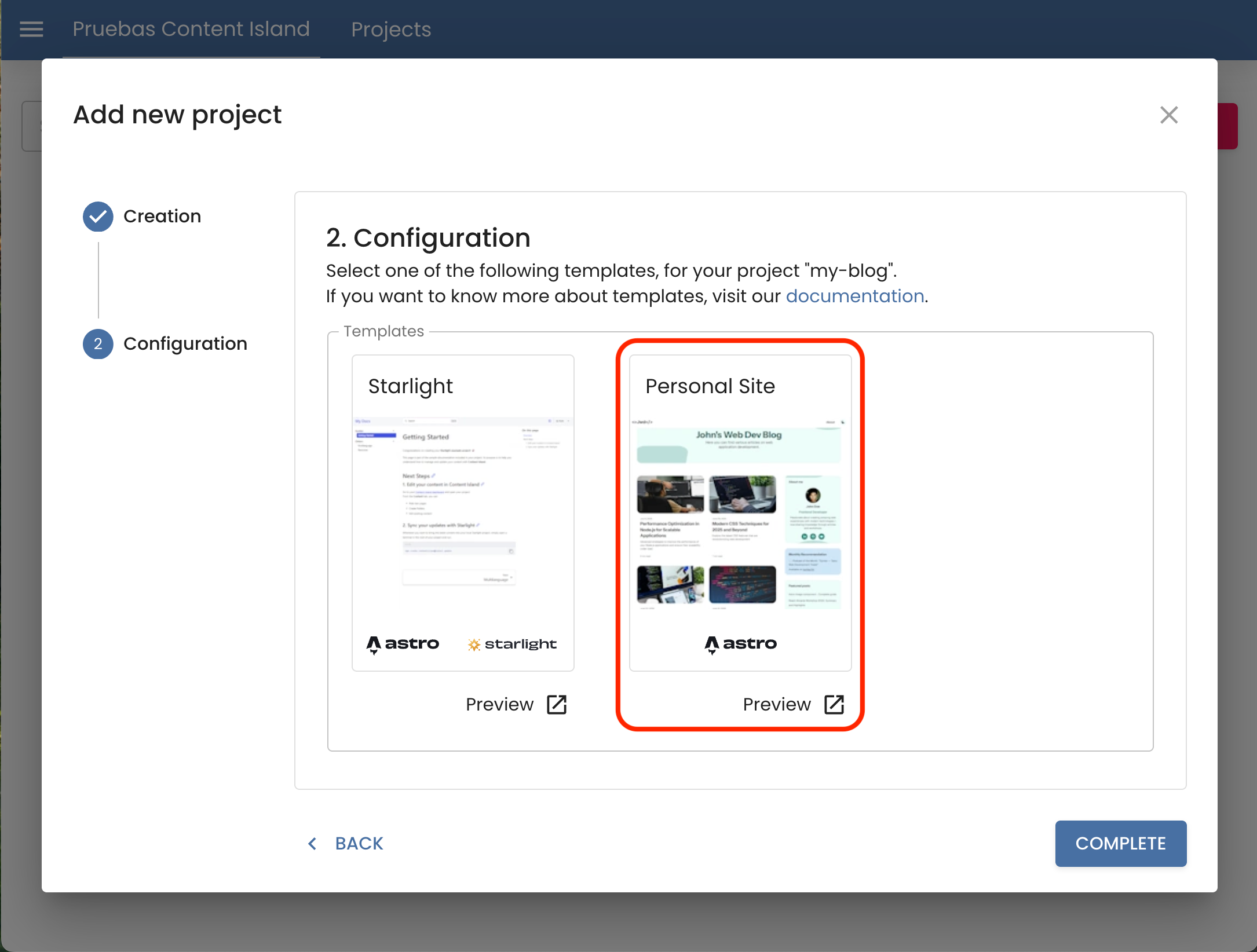
Select the Personal Site template.
-
In the final step (Quick Start), copy the CLI command provided and run it in your terminal.
This command will generate the full Astro project already connected to your Content Island project.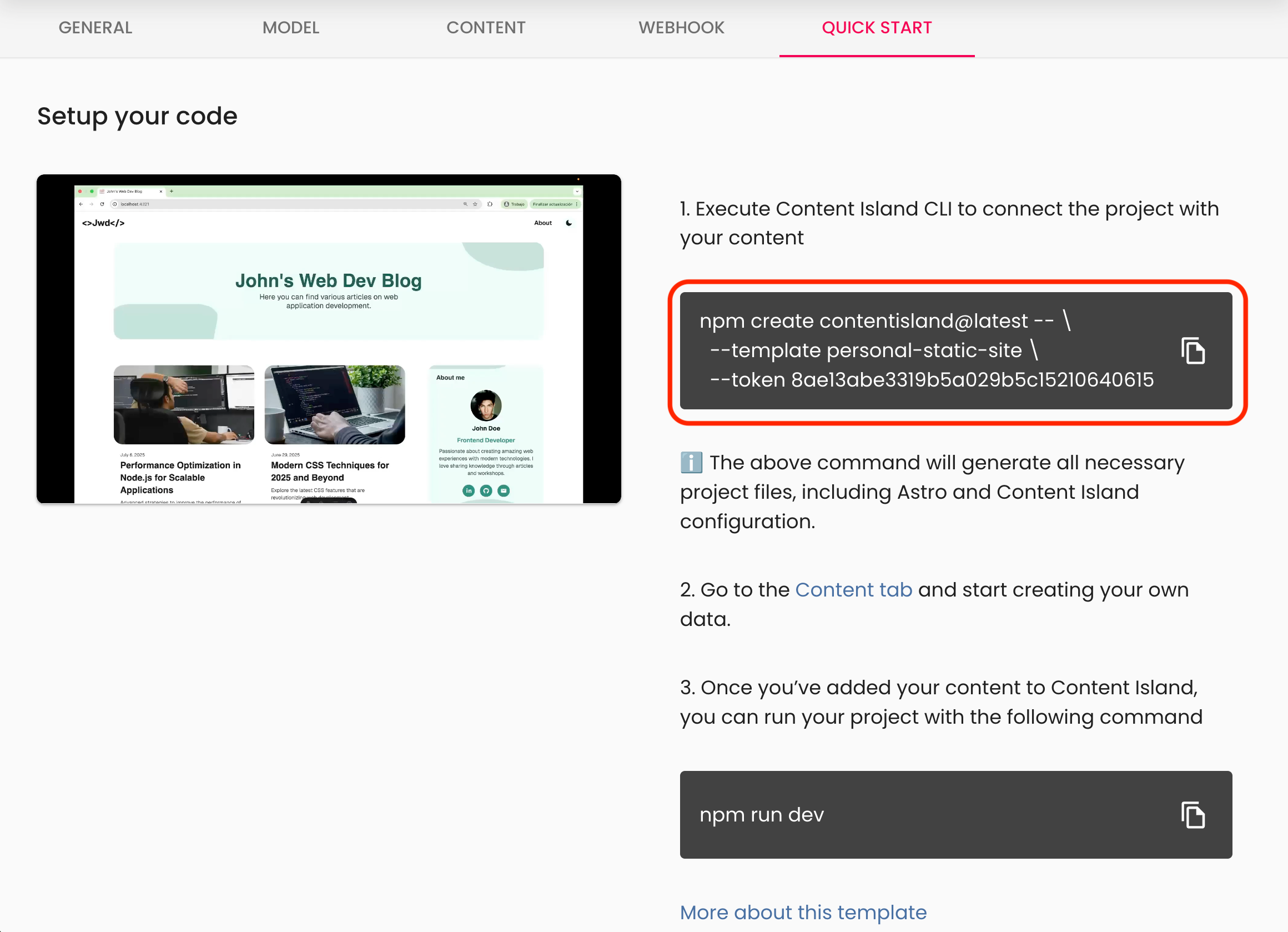
-
Once created, run your local server:
Terminal window npm run dev